After all these years, I am slowly moving over from all the Adobe products to Canva’s Affinity. I didn’t realize, but Affinity has been available for almost 10 years.
After Adobe kept cutting me off, claiming I was sharing my account with others, which I was not, I finally told them where to go. They made thousands of dollars from me over the years and now they aren’t getting a penny. And neither is Affinity since it is free.
Affinity is one program that works as all the other programs – it’s Photoshop, Illustrator, InDesign and everything else, all in one. No changing platforms, it’s all integrated into one thing.
I am now using it for my business and to color my daily cartoons.
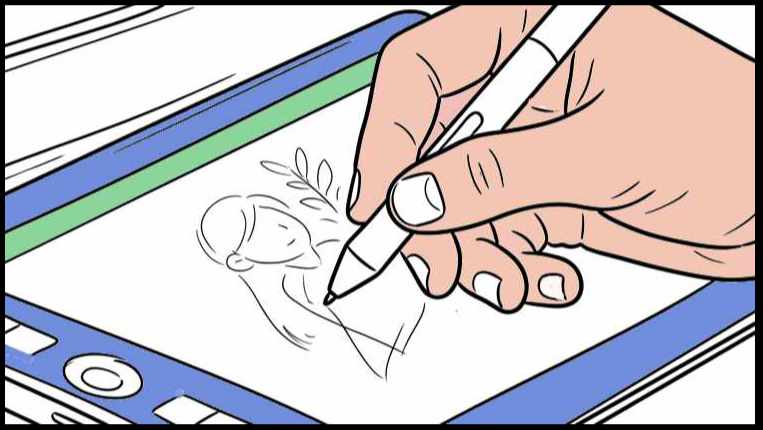
I still use Clip Studio Paint to draw and create the cartoons, but I use Affinity for everything else – coloring, lettering, cutting and pasting and moving things around if necessary. I guess I could use Clip Studio Paint to do all that, but I’ve always used Photoshop for that. Now I use Affinity for that.
There was a learning curve, because a few things are different, but for the most part, it all operates the same.
I tested actual work and jobs before I cut Adobe off. Although there are new things to learn, on the whole, I find it easier and more intuitive than Photoshop and Illustrator. I was having problems setting the colors up properly with a PSD file and making layers, but interestingly enough, I don’t need a PSD file to separate the colors, I can do it right with a jpg and it does the same thing. It really makes life so much easier, it sort of upgrades every type of project and file. It cuts the extra work out.
It’s amazing how the Universe leads you where you need to be. I was getting so frustrated with Adobe and all the time I spent with them trying to fix the issues. But I was lead to Affinity when I needed to be.
I saw an article on Substack geared to cartoonists and the writer was asking people what programs they use to draw and work. And Affinity kept coming up and that of course lead me to them. Just when I needed them. I can’t find the article, or I would link it here. If I find it eventually, I will let you know.
But it’s amazing that at the right time, it all popped up in my universe. I could have used it years ago, but better now than never.
Affinity reads all old files from programs from vector art to jpgs, pngs, tiffs and everything else is all workable on the new platform. I can manipulate the files just as if I was using the old platforms.
I was concerned about creating and editing the work because some of it is a bit different than what I’m used to. But then I realized that it’s all about the finished product. It’s the end result that’s what’s important. And the end result is all the same as it always was.
As you are reading my cartoons (Ollie And Jacomo), see if you can tell which are the old colored cartoons and which are new. There isn’t much color in Ollie And Jacomo, so it may be hard to tell. And that’s a good thing.
Onward and upward and to Affinity.
Till next time . . .

Subscribe via email to this blog here – and each time I publish, usually twice a week, you’ll receive it in your email.

 tomversation.com